/ dzhim-cms / docs / How to / Manage languages
How to manage languages?
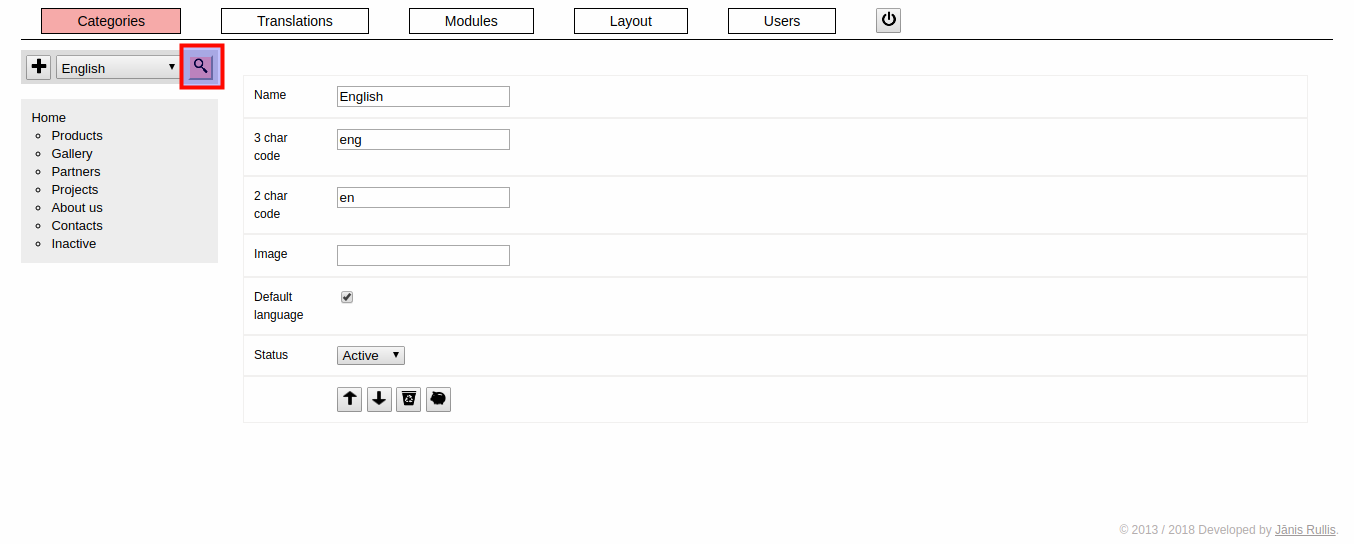
How to create a new language?
- Click on the ‘+’ (add) button on the left size of the language select.
How to edit an existing language?
- Click on the magnifying glass button (view) on the right side of the language select.
Disable a language?
- Change status to ‘Inactive’. Change to ‘Active’ to enable it again.
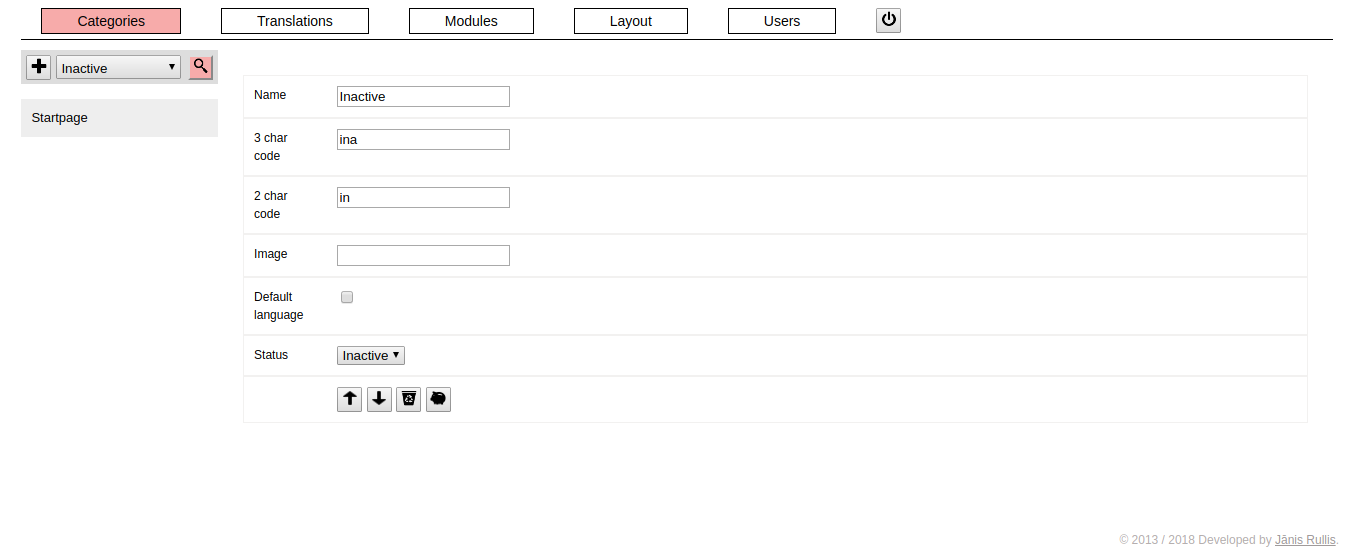
Keep enabled, but hide in the menu
- Change status to ‘Do not show in the menu’.