/ dzhim-cms / docs / How-to / Change translation
Change translations
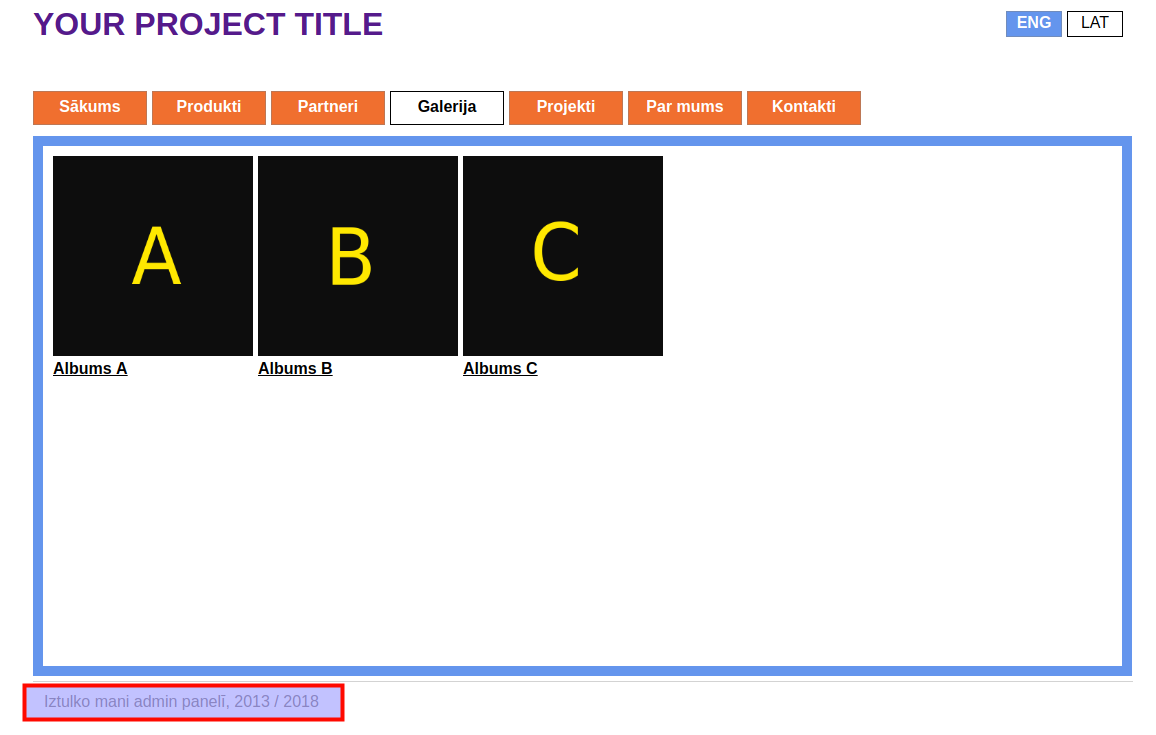
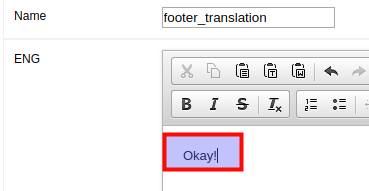
For example, let’s change the footers translation in English.
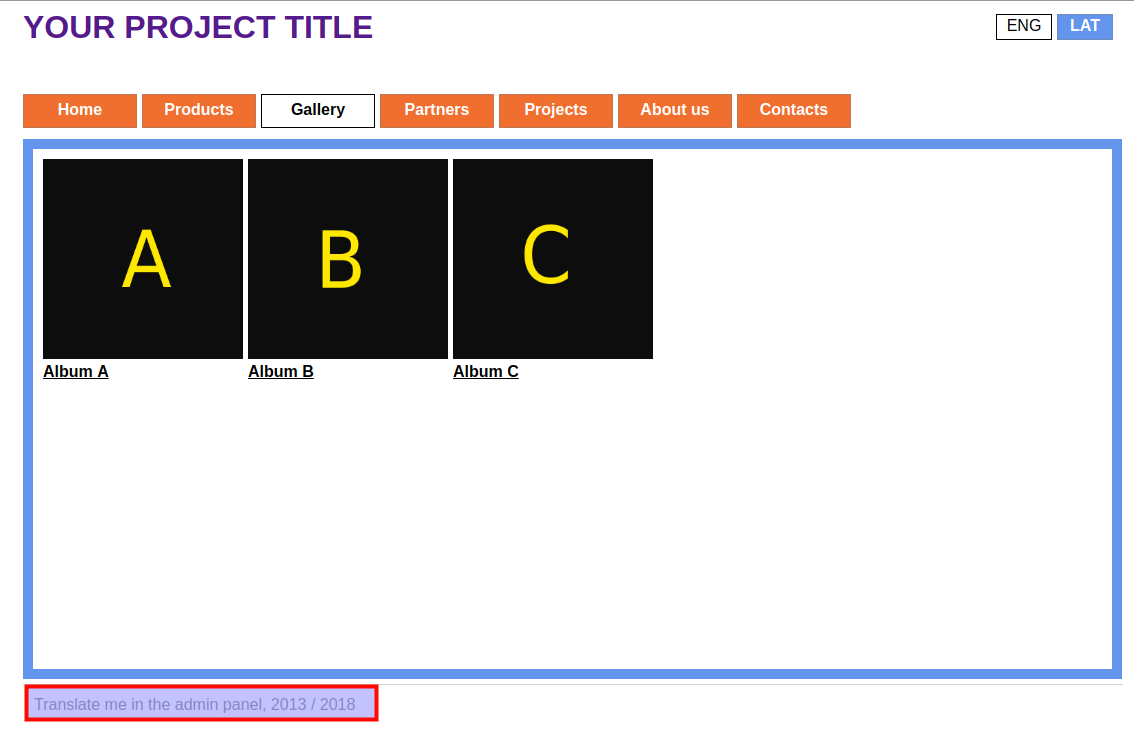
- Go to Translations.
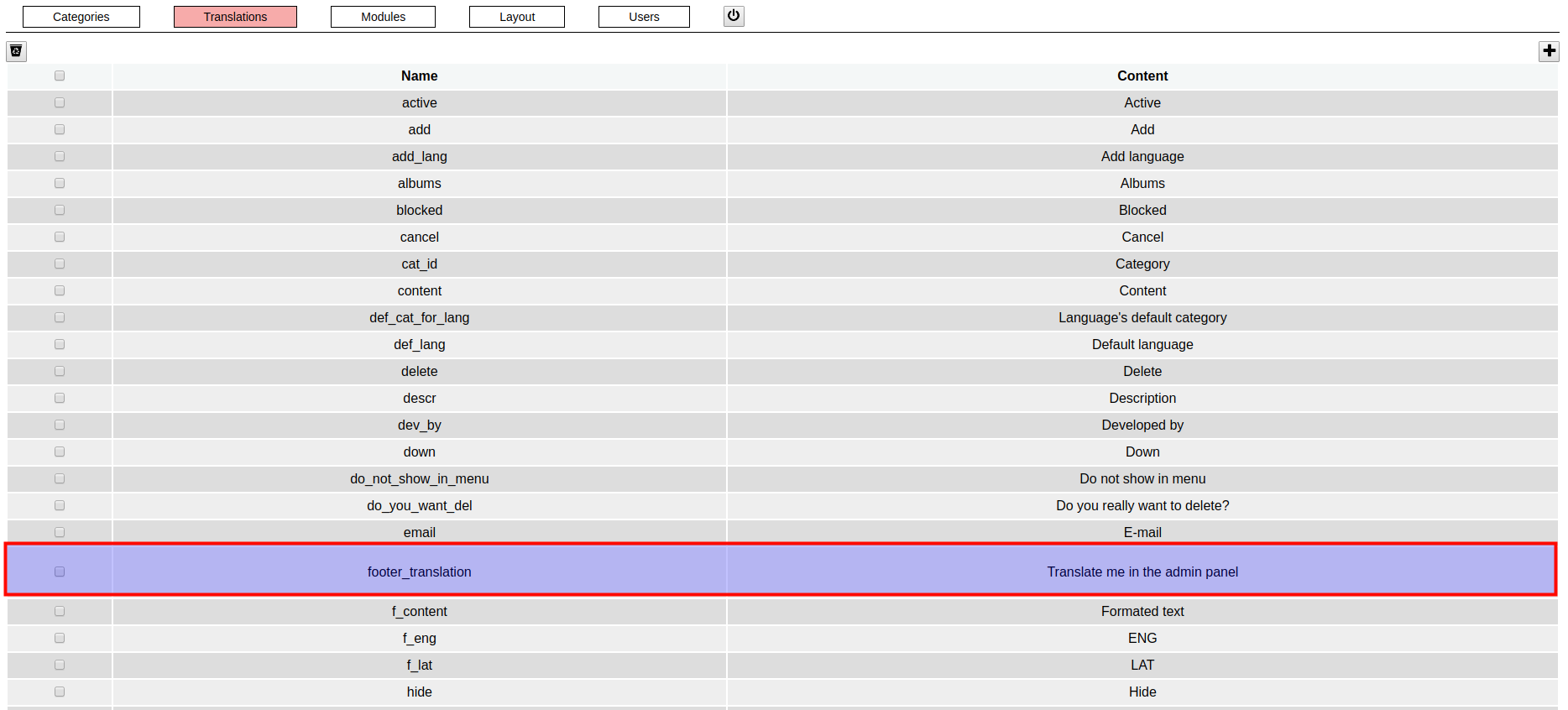
- Open the translation.
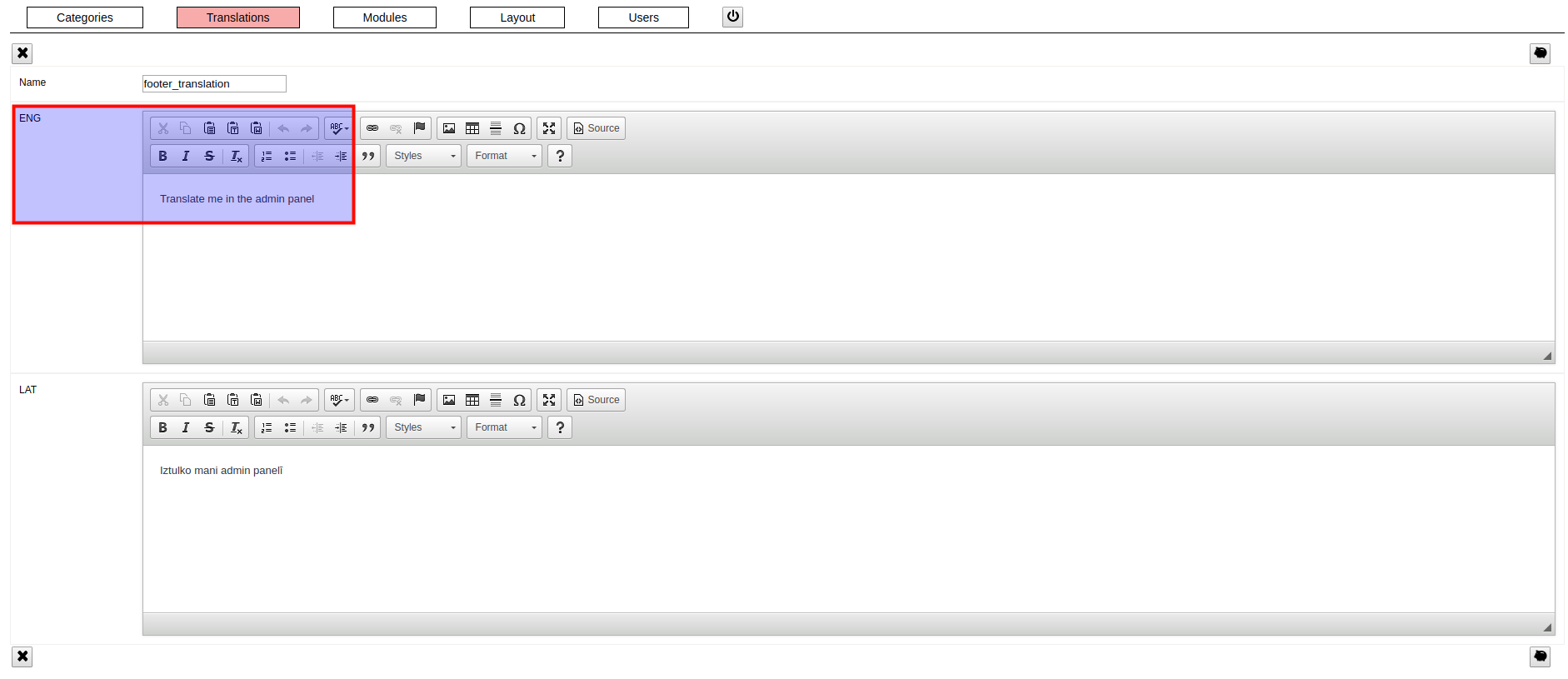
- Change the ‘EN’ translation and click on the save button (piggy).
- Check that the translation has changed in English.
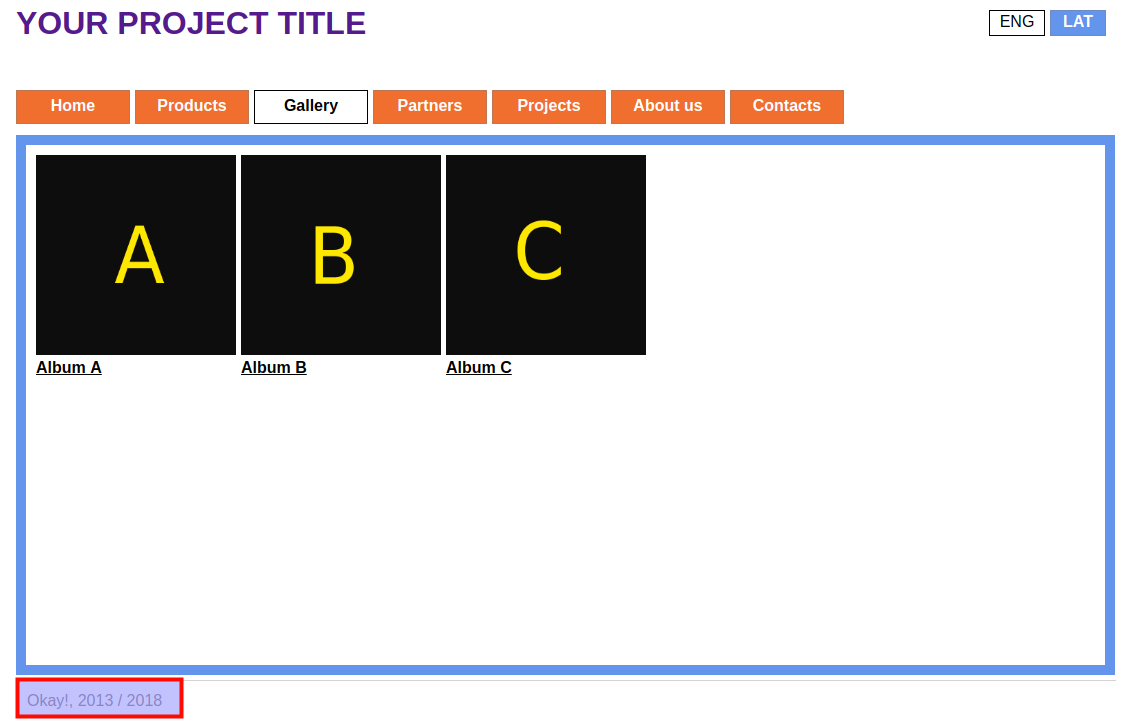
- Check that the Latvian translation has not changed.