/ dzhim-cms / docs / How-to / Change page module
Add a new module
- Copy any module from the fmw/mod/. For example,
cleanis specialy created there for that purpose. - Go to Modules.
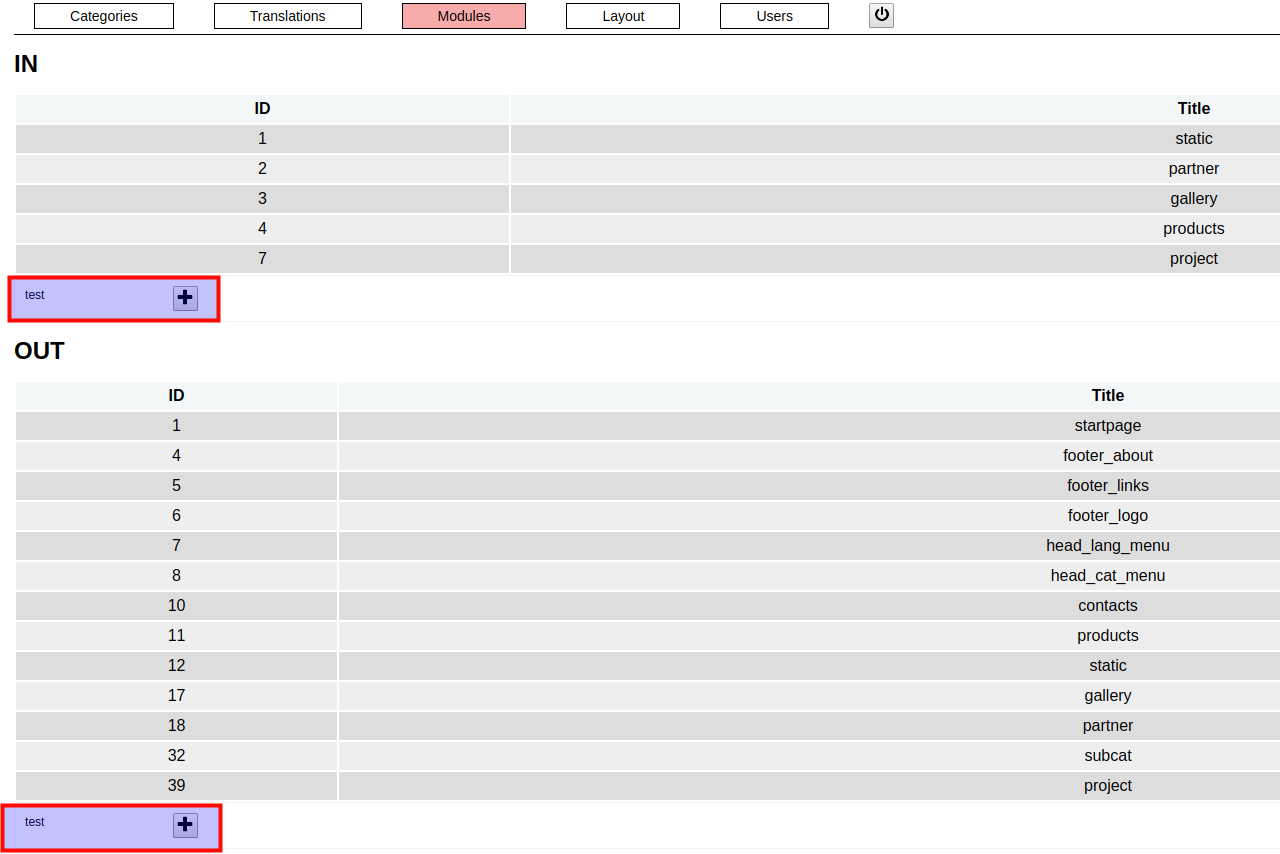
- Under the module list, there will be visible the new module, next to the ‘+’ button.
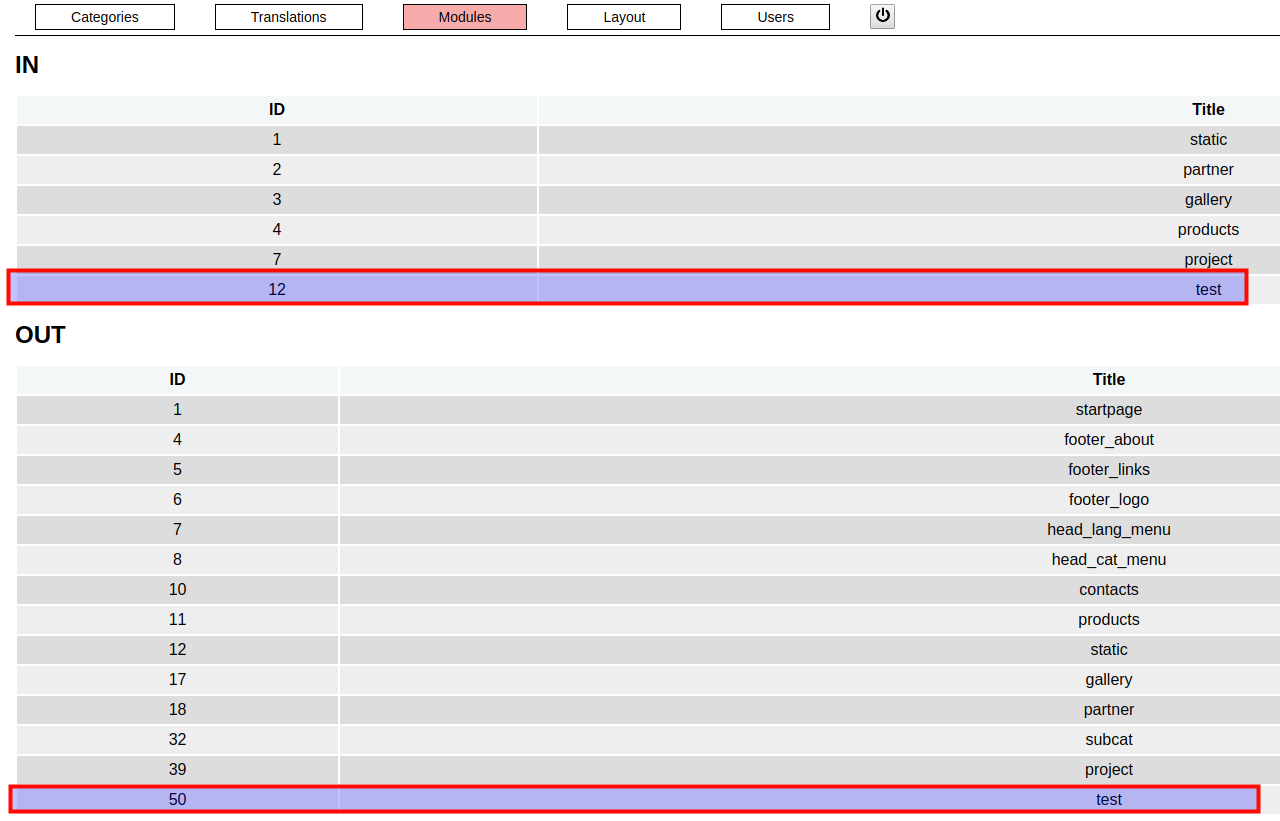
- Click on the ‘+’ button, to enable the module.
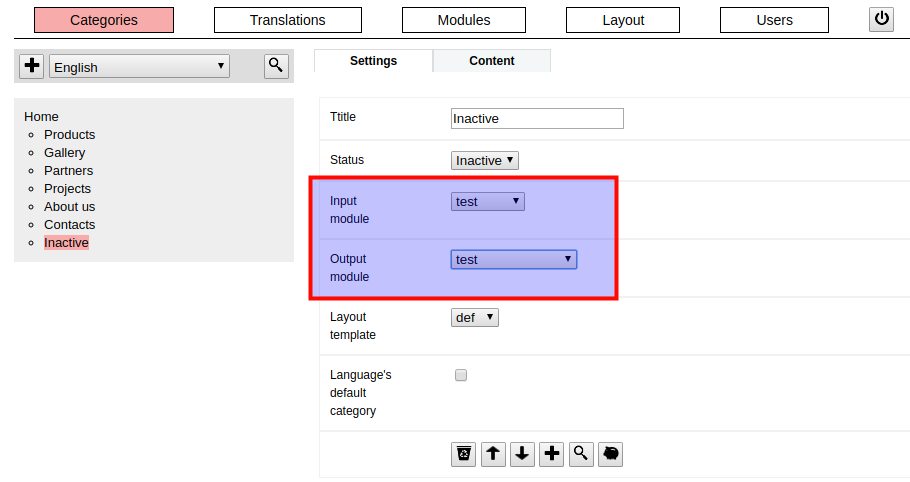
Change page’s module